 X
X 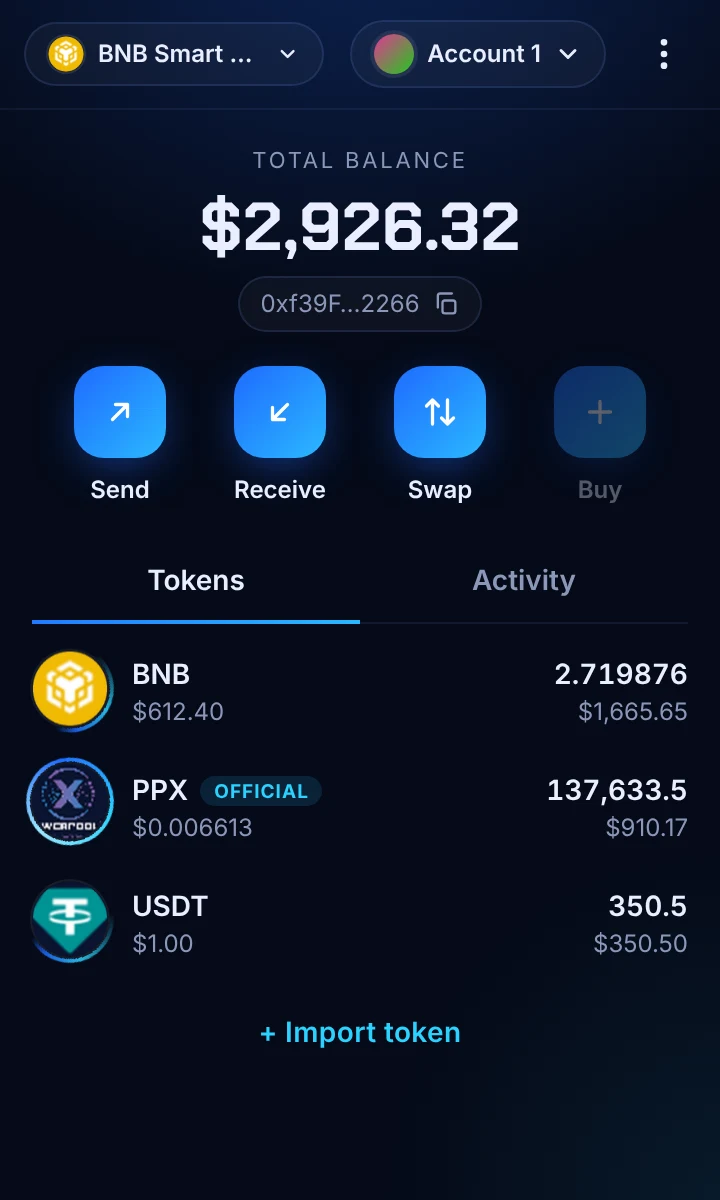
Browser extension
Chrome, Brave, Edge and other Chromium browsers. Popup wallet plus a full desktop view.
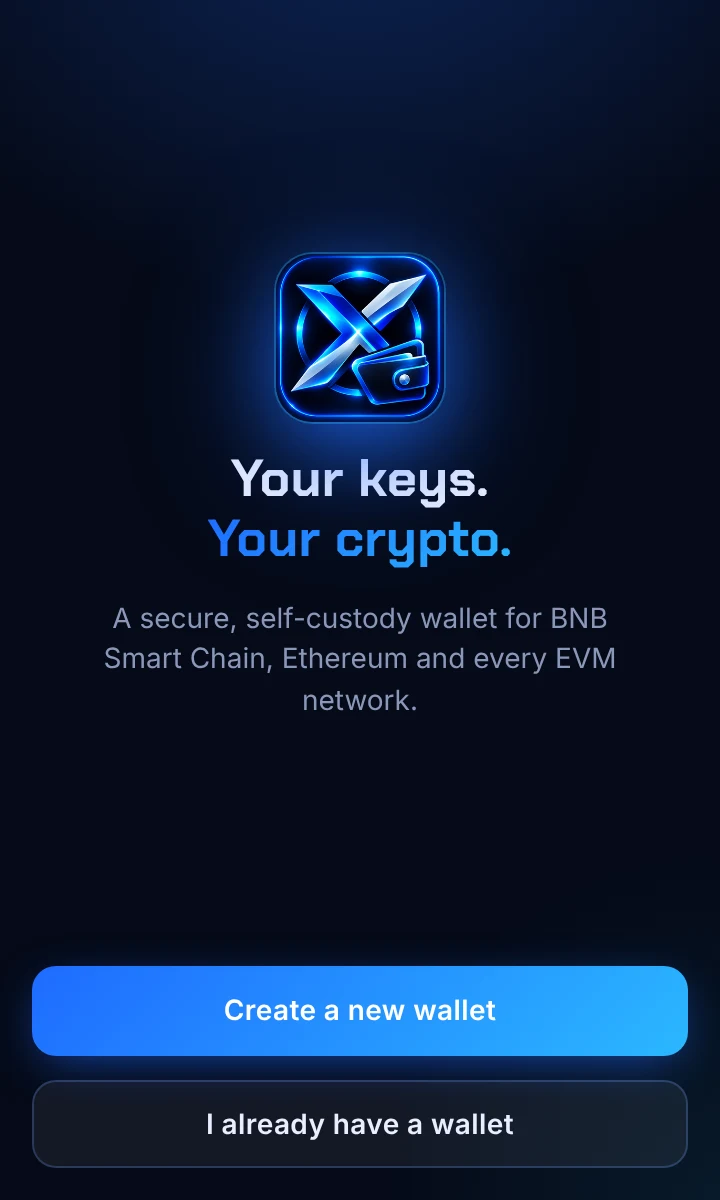
X Wallet is a self-custody wallet for BNB Smart Chain and every EVM network. Hold, send and swap BNB, USDT and PPX right from your browser, with your keys never leaving your device.
Use the browser extension, the web wallet or the Android app. iOS is on the way.
Chrome, Brave, Edge and other Chromium browsers. Popup wallet plus a full desktop view.
Use X Wallet in any browser, no install needed. Create a wallet, or connect your X Wallet extension or MetaMask to sign.
The full X Wallet on your phone: fingerprint unlock, QR scan, swaps, Sell without BNB and a built-in dApp browser.
Face ID unlock, WalletConnect and swaps for iPhone. Join us at launch.
Your recovery phrase is encrypted on your device with scrypt and XChaCha20. We never see or store your keys.
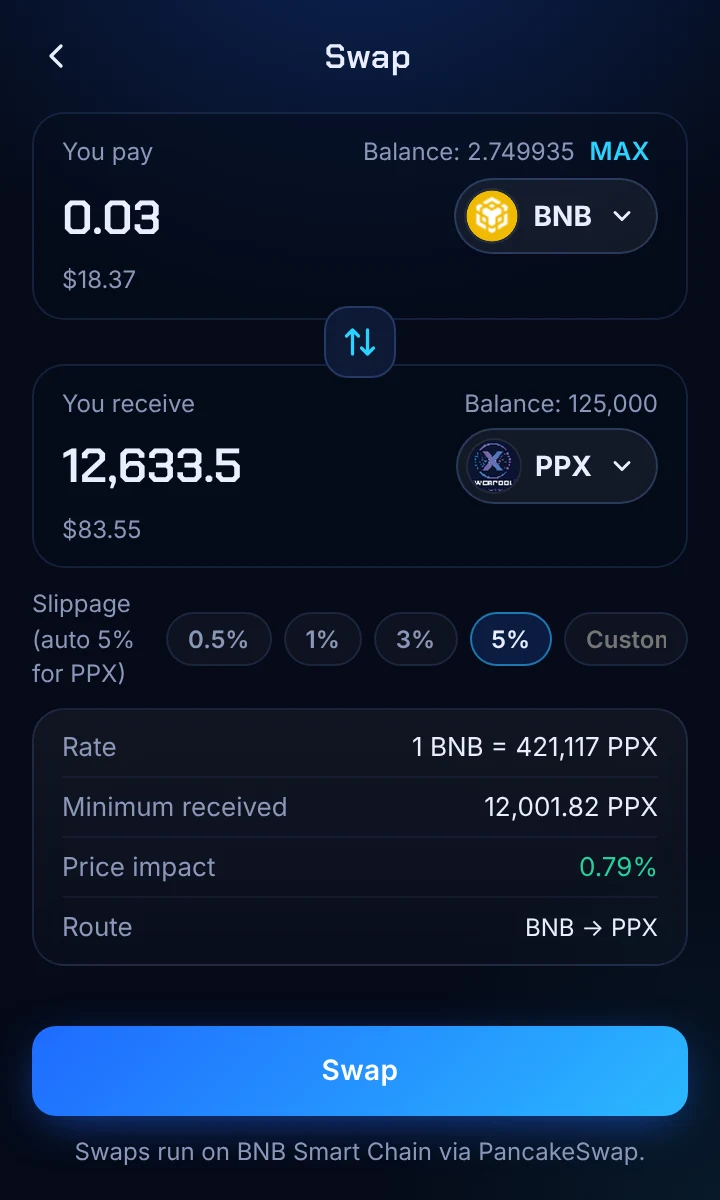
Buy and sell BNB, USDT and PPX via PancakeSwap, with best-route search, price-impact warnings and auto slippage.
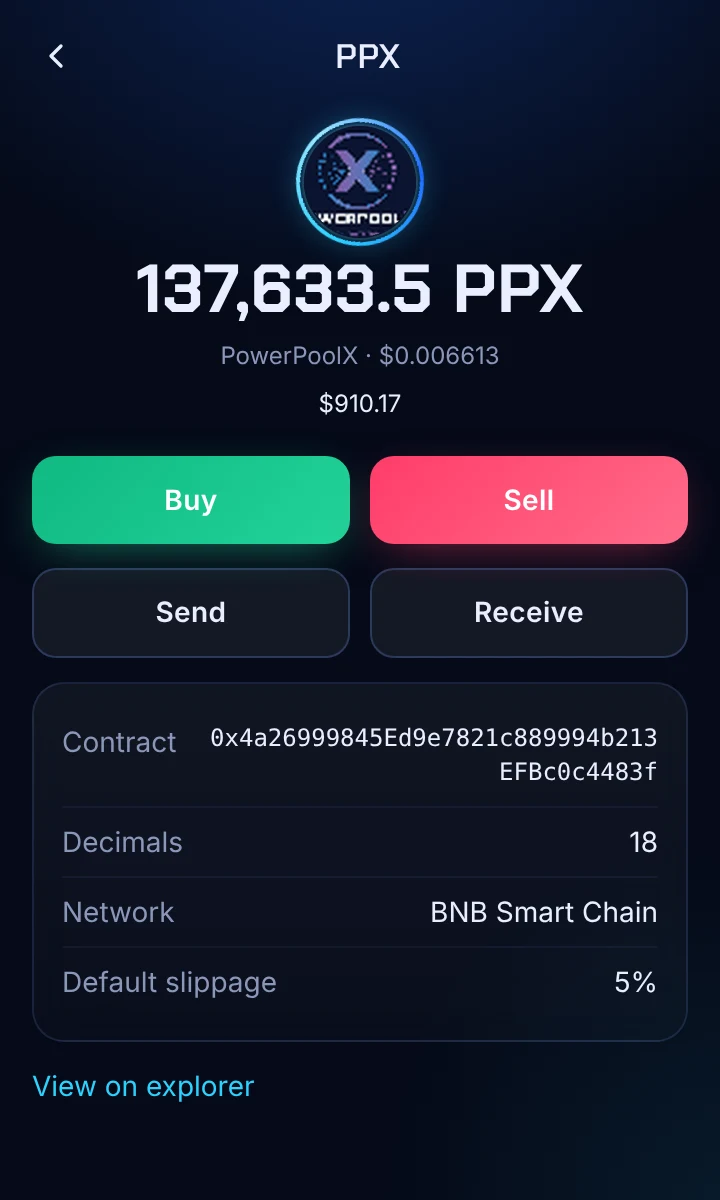
PowerPoolX is pinned on your home screen with a live price from the PPX/WBNB pool, in 20 currencies including PHP.
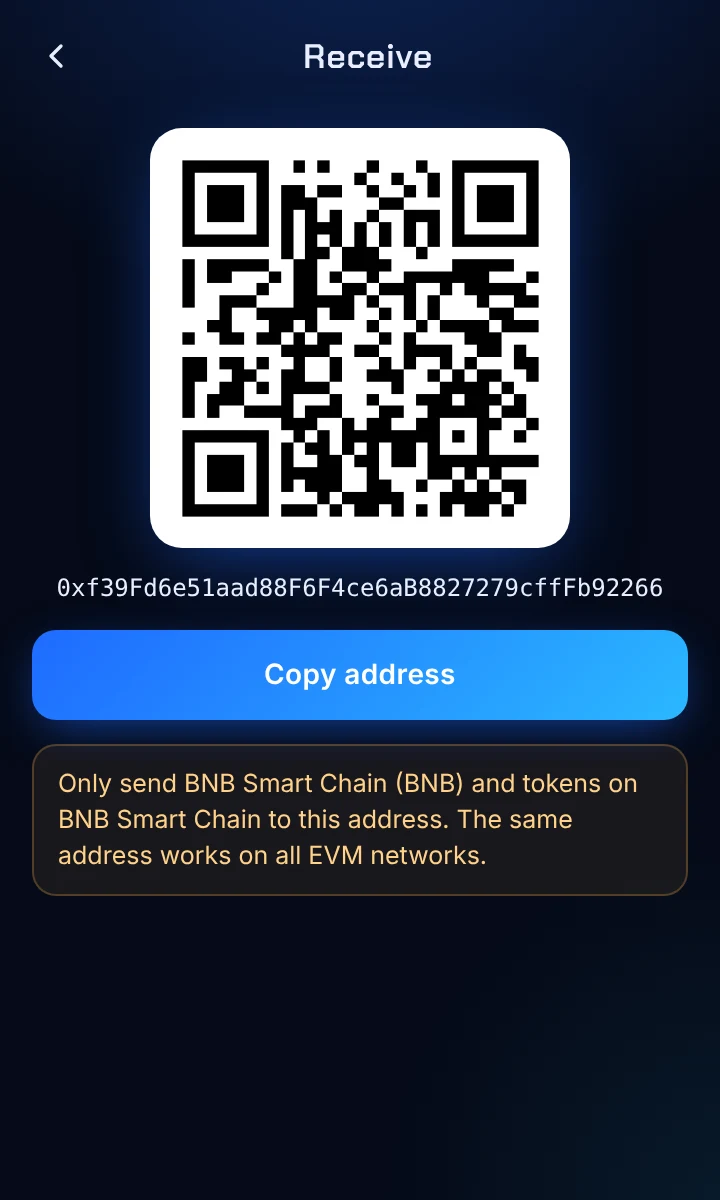
BNB Smart Chain, Ethereum, Polygon, Arbitrum, Base, Optimism and any custom EVM chain, all from one address.
Works with dApps and sites like revelx.io. Clear approval screens warn you about unlimited approvals and risky signatures.
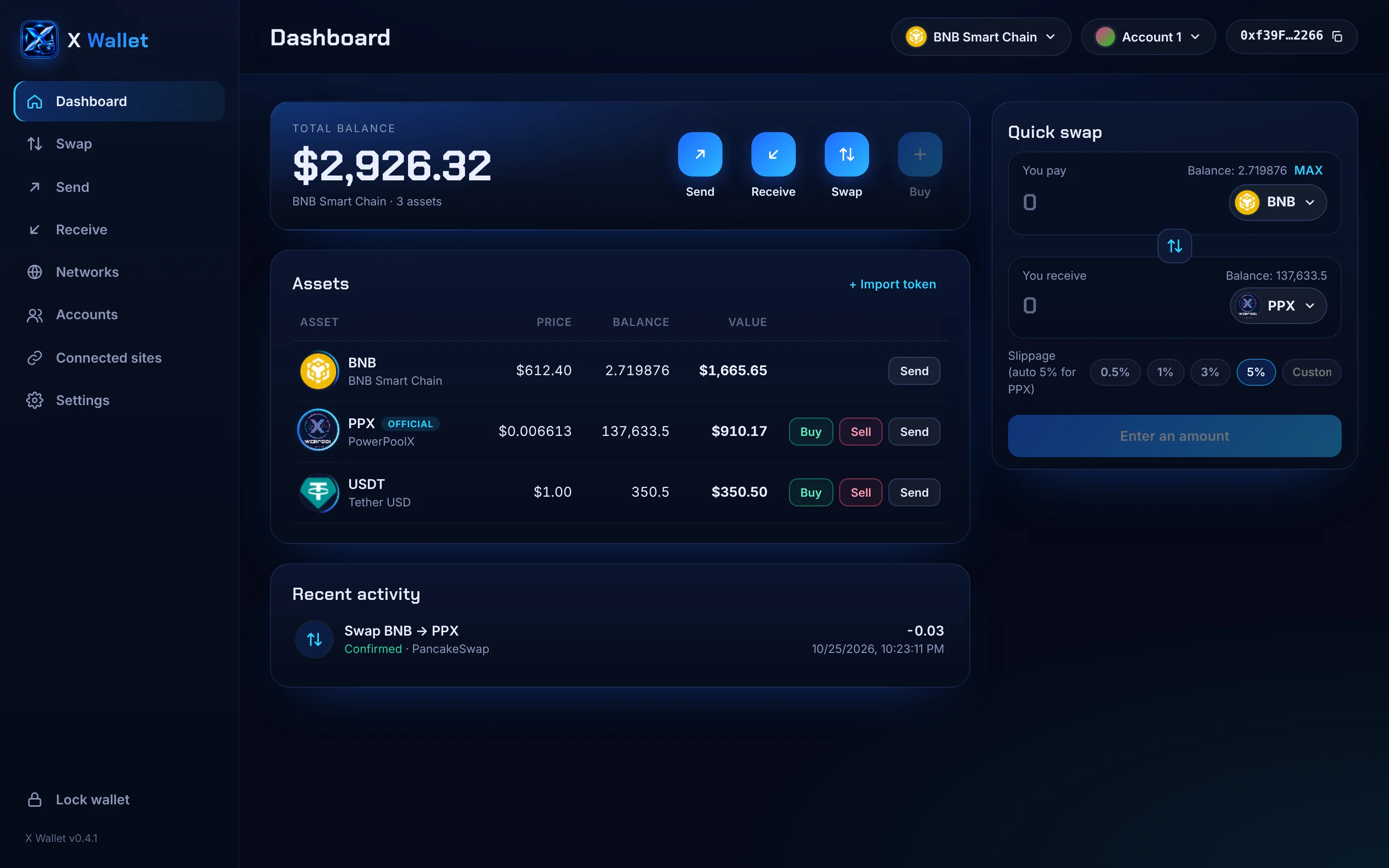
Quick actions in the popup, or expand to a full desktop dashboard with your assets table and quick swap.
Open "Expand view" from the menu to manage everything in a full browser tab.
Until X Wallet is live on the Chrome Web Store, install the beta manually.
Download the beta .zip from this page only.
Unzip it into a folder you won't delete, e.g. Documents\XWallet.
Go to chrome://extensions (or edge://extensions).
Turn on Developer mode in the top-right corner.
Click Load unpacked, pick the folder, then pin X Wallet to your toolbar.
Beta builds do not update automatically. X Wallet shows an Update available notice when a new version is posted here. See how to update without losing your wallet.
The app is downloaded straight from this website (Google Play listing comes later). Android asks you once to allow it.
On your phone, tap Download for Android on this page. Only download X Wallet from wallet.revelx.io.
Open the downloaded file. If Android says your browser is not allowed to install apps, tap Settings, turn on Allow from this source, then go back.
Tap Install. If Google Play Protect shows a notice for a new app, tap More details → Install anyway.
Create a new wallet or restore yours with your recovery phrase. Turn on fingerprint unlock in Settings.
Verify the APK (SHA-256):
Updates: the app tells you when a new version is out. Download it from this page and install it over the old one. Your wallet stays.
Latest version: v0.5.0. Once X Wallet is on the Chrome Web Store, updates install automatically.
Download the latest .zip from this page.
Extract it into the same folder you installed from, and replace all files when asked.
Open chrome://extensions and click the reload ↻ icon on X Wallet.
Open X Wallet: your accounts and settings are still there. Check the version in the sidebar.
Don't click Remove. Removing the extension or loading a different folder starts an empty wallet, and you'd need your Secret Recovery Phrase to restore it. Keep your recovery phrase written down, just in case.
X Wallet will never ask for your recovery phrase. Never type it into a website, chat or form. Only download X Wallet from wallet.revelx.io or the official store listing.
Verify your beta download (SHA-256):
Yes. X Wallet is free to download and use. You only pay the blockchain's network fee (gas) when you send or swap.
You do. X Wallet is non-custodial: your keys stay encrypted on your device. This also means nobody, including us, can recover your wallet if you lose your recovery phrase.
Yes. Choose "I already have a wallet" and enter your recovery phrase. X Wallet uses the same standard, so your addresses stay the same.
Open PPX in your wallet and tap Buy. X Wallet swaps BNB for PPX through PancakeSwap, with slippage set automatically for PPX.
BNB Smart Chain (default), Ethereum, Polygon, Arbitrum, Base, Optimism, Robinhood Chain, Solana and Tron (TRX), testnets, and any EVM network you add. Your Solana and Tron addresses come from the same recovery phrase. You can also buy prepaid load and promos for any PH number with BNB, USDT or PPX.
The extension is installed in your browser and is the most secure way to hold larger amounts. The web wallet runs at wallet.revelx.io/web with no install: your keys are encrypted in that browser, or you can connect the X Wallet extension or MetaMask so your extension signs every transaction.
Yes, for Android: download it from the Download section. The iOS app is in development.
Get X Wallet and take full control of your BNB, USDT and PPX.